Studio4 min read
FeedKeeper: a YouTube feed filter that works by category
Why we built FeedKeeper, a Chrome extension that hides the kinds of YouTube videos you choose from your home feed and Up next, and how its three modes work.
 Soumen Samanta
 Browser extensionv1.1.0Beta
Hides the YouTube videos you don't want. Keeps the ones you came for.
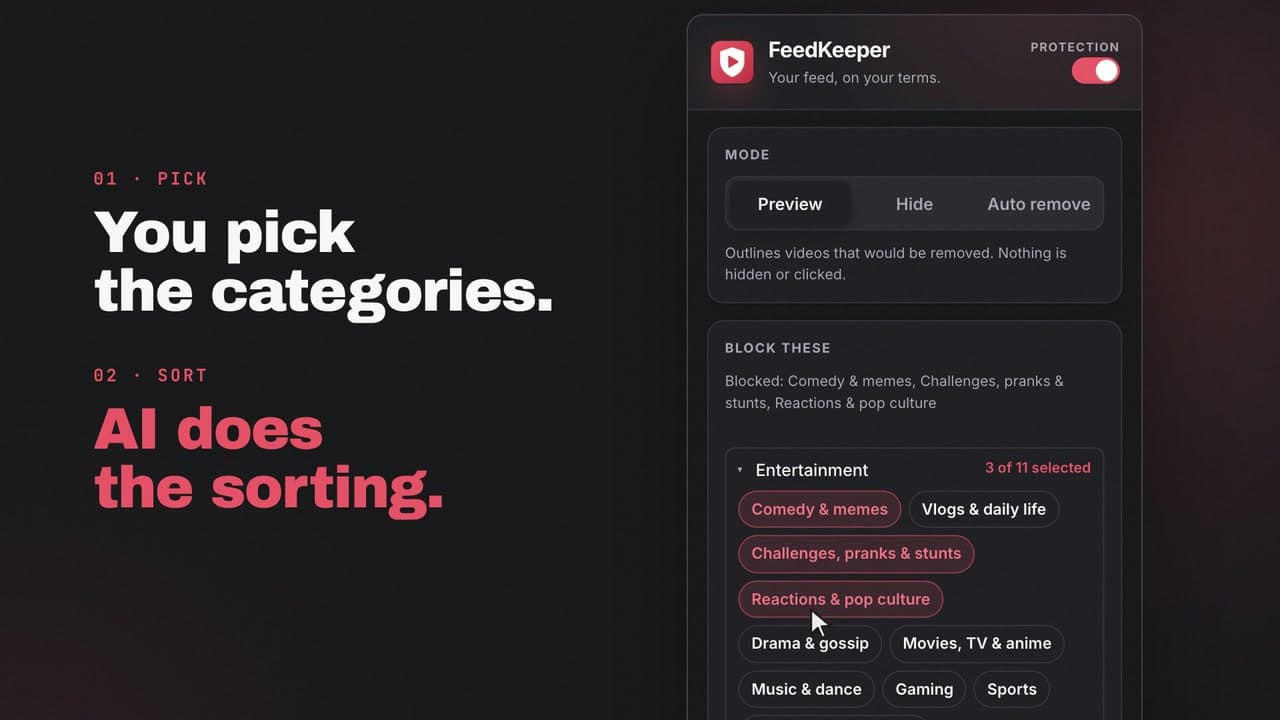
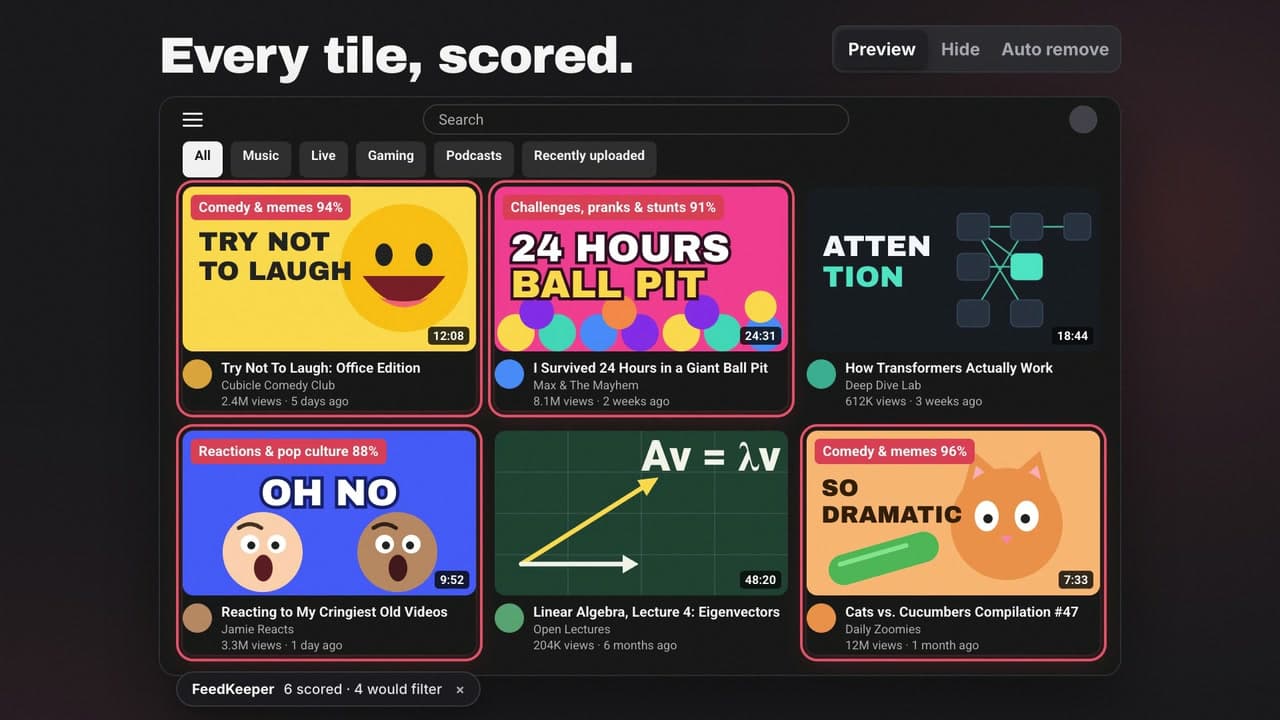
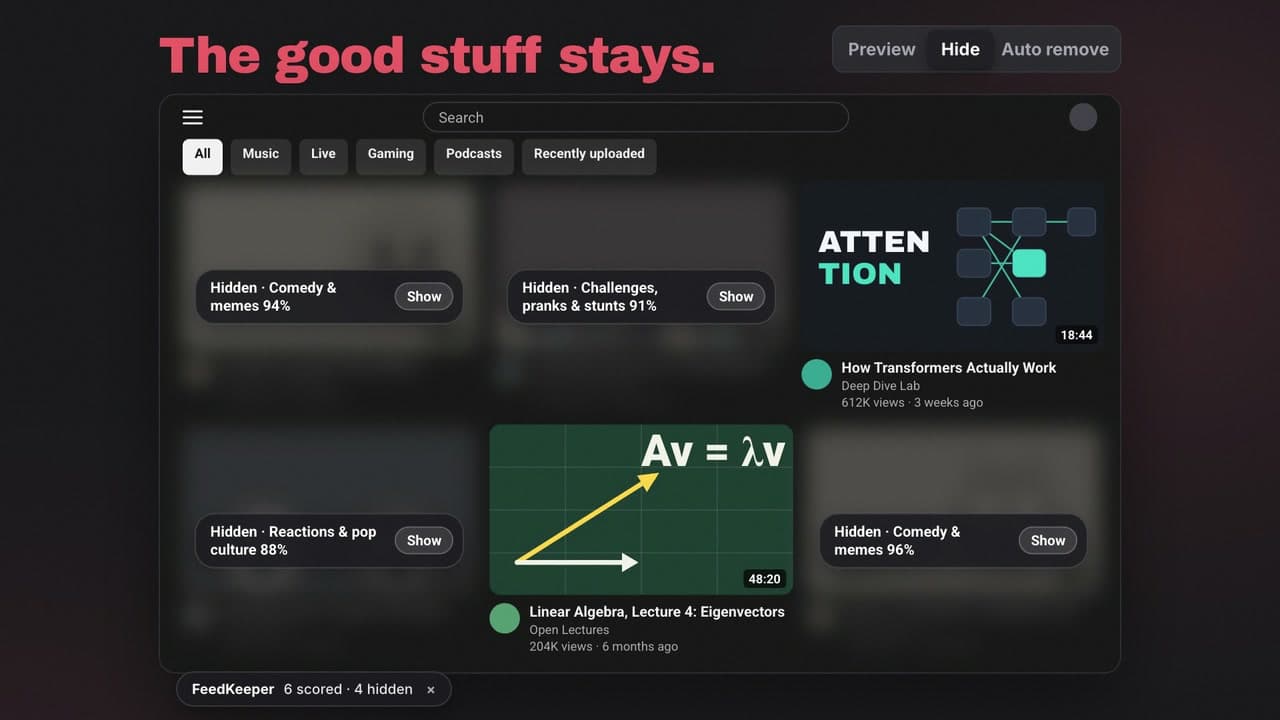
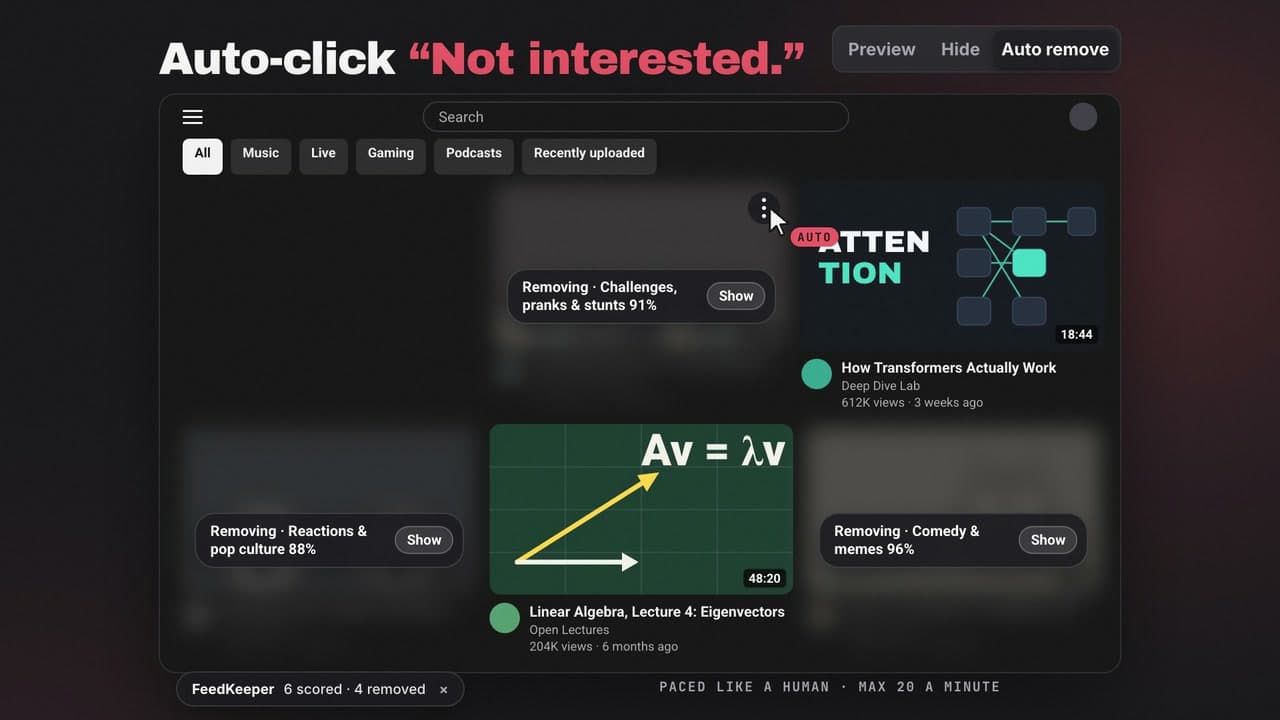
FeedKeeper is a Chrome extension by ByteShades that removes the kinds of videos you choose, such as comedy clips or pranks, from your YouTube home feed and Up next recommendations. It is for people who want to keep using YouTube for lectures, tutorials and news without the feed pulling them elsewhere. It is free with your own OpenRouter API key, and a paid subscription is planned for people who would rather not bring a key.
Scans cost about half as much and decide more videos correctly; Shorts are no longer sent to the AI.
First stable release: home feed and Up next filtering, three modes, Block Shorts and custom categories.
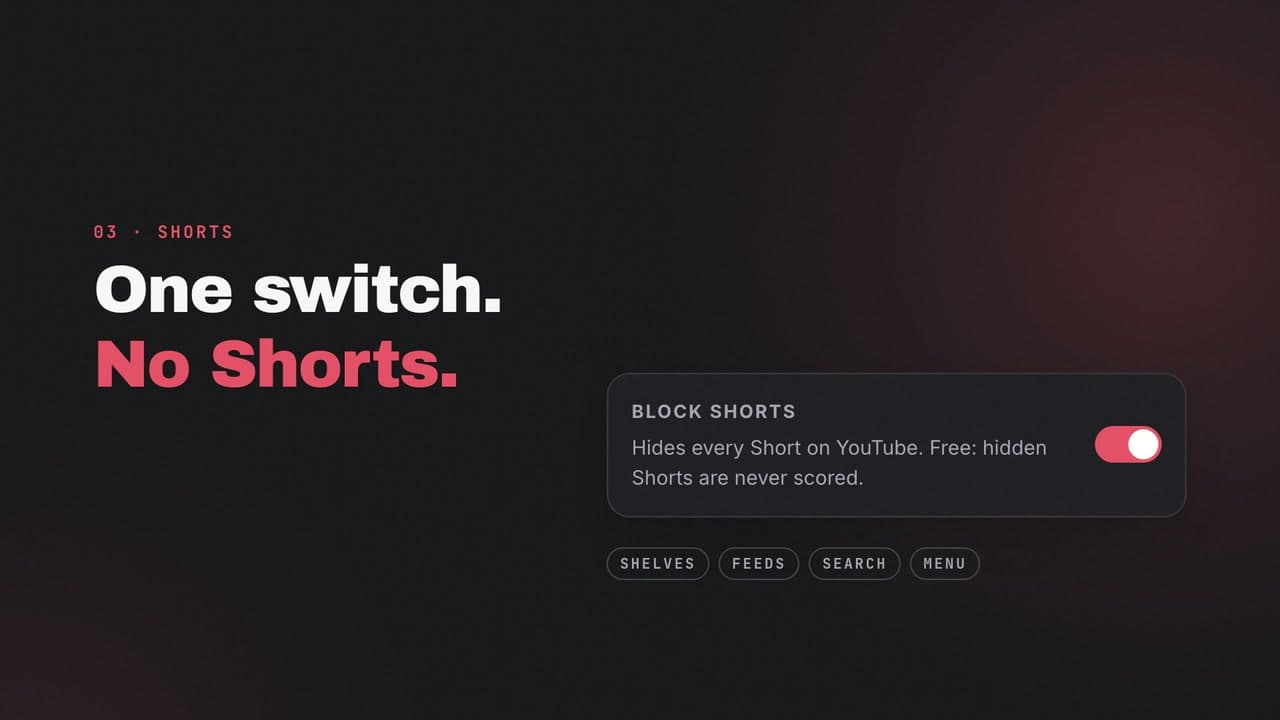
Block Shorts: one switch hides every Short on YouTube, with no AI calls.
Allow-only mode, per-video Why? inspection, filter profiles and focus sessions.
First public release: classify home-feed videos into 19 categories and preview, hide or remove them.
Why we built FeedKeeper, a Chrome extension that hides the kinds of YouTube videos you choose from your home feed and Up next, and how its three modes work.
Soumen Samantafaq
Yes. FeedKeeper is free to use with your own OpenRouter API key; you pay OpenRouter directly, and $1 of credit covers roughly 100,000 videos in Hide mode. A paid subscription that needs no key is planned.
Preview and Hide never click anything. Auto remove clicks the same Not interested button you would, 1.5 to 4 seconds apart and at most 20 a minute.
Video titles, channel names and, unless you turn it off, descriptions and tags go to OpenRouter with your key, once per uncached video. Nothing about you is sent: no watch history, account name or cookies. FeedKeeper has no server of its own.
Not yet. The store listing is in progress; until then FeedKeeper is in beta.
No. FeedKeeper is made by ByteShades and is not affiliated with or endorsed by YouTube or Google.
FeedKeeper by ByteShades. Freemium. Questions or bug reports: contact@byteshades.com