Free AI tools worth trying: job search, video, browsing and more
Eight open-source AI tools from this month's GitHub trends, checked against their own docs: what each does, what it costs, how to install it, and the catch.

Soumen Samanta · Co-Founder & CEO
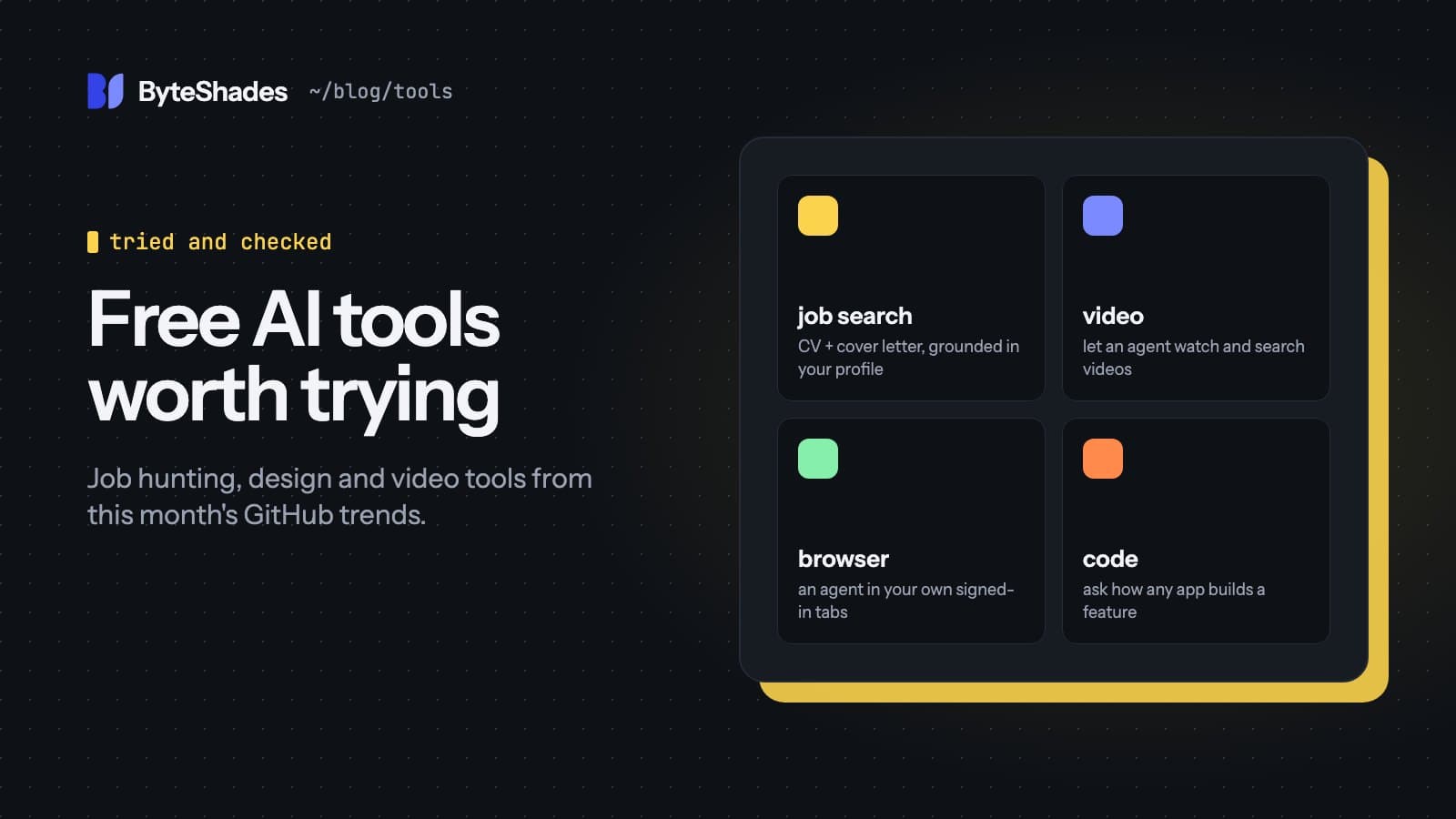
GitHub's trending page and the YouTube channels that cover it surface dozens of AI tools a week, and the descriptions are often generous. We took the ones that came up most this month and checked each against its own README and documentation. Everything below is free to download; several need a paid AI subscription or API key to be useful, which we note.
A word on star counts, which these tools are often sold on: they can be inflated. The author of the job-search tool below said himself that many of his stars are probably bots. Forks, open issues and whether the maintainers answer them tell you more.
At a glance
| Tool | What it does | Needs | Licence |
|---|---|---|---|
| ai-job-search | Tailored CVs and cover letters from your own profile | Claude Code (paid plan), LaTeX | MIT |
| claude-video | Lets an agent read a video as frames and a transcript | Python, ffmpeg, yt-dlp | MIT |
| ego lite | A browser where agents work in separate spaces | macOS | MIT (repo) |
| REA | Explains how an app implements a feature | Node.js | MIT |
| OfficeCLI | Creates and edits Word, Excel and PowerPoint files | Nothing else | Apache-2.0 |
| Arena skill | 100 agents compete to answer one question | A lot of tokens | MIT |
| Universal Modder | Helps an agent mod PC games you own | A fal API key for assets | MIT |
| SlopMonster | Scores marketing copy for AI-writing tells | Python | MIT |
ai-job-search: applications grounded in your real experience
Mads Lorentzen, a geophysicist whose job was cut in late 2025, built this set of Claude Code commands for his own search. By his account it took him through 69 applications and 20 first interviews to a job as an AI engineer in June 2026.
You run /setup once to build a profile, /scrape to search job boards, and /apply <url> for a
posting. It first scores how well you fit, which the author says sometimes talked him out of applying.
Then one agent drafts a tailored CV and cover letter and a second reviews them, researches the company,
and checks every claim against your profile. The README says it "never fabricates skills or
experience". The built-in job boards are Danish, plus LinkedIn; /add-portal creates connectors for
other countries, and the community has forked it for other markets.
The catch: Claude Code has no free tier, so you need a Pro or Max plan or API credits, plus LaTeX for
the PDFs. Forks on GitHub are always public and /setup writes your personal details into the repo, so
make a private copy instead of forking. Its LinkedIn tool breaks LinkedIn's terms, and the README says to
use it only for yourself.
claude-video: search what you have watched
/watch turns a YouTube link or a local video file into timestamped frames and a transcript, using the
video's captions when it has them and a local Whisper model when it doesn't. Your agent can then answer
questions about the video, find the moment something was shown on screen, or build notes from a long
recording.
/plugin marketplace add bradautomates/claude-video
/plugin install watch@claude-video
The catch: the agent reads text and still images, so it does not hear tone of voice or music. It works in Claude Code and Codex, not in the Claude chat app. If you choose the optional Gemini engine, non-YouTube videos are uploaded to Google for processing.
ego lite: a browser for agents
ego lite is a free macOS browser where agents such as Claude Code, Codex and Cursor work in their own "spaces" while you keep browsing. On first launch it offers to import your Chrome logins, so agents can use sites you are signed in to without taking over your screen.
The catch: that import is also the risk. An agent with your real sessions for email, banking or admin panels can be steered by instructions hidden on any page it visits. Use a separate profile with only the logins the task needs. The browser itself is not open source; the repository holds the agent skill and documentation.
REA: how does that app do it?
REA, short for Reverse Engineer Anything, is an MCP server and command-line tool that inspects compiled
apps, Electron apps, .NET programs and websites, explains how a feature works with evidence, and can
then build a similar feature in your project. Its example prompt asks how search works in the Notes app.
Install it with npx rea-agents setup.
The catch: its README limits it to lawful research on software you own or are allowed to examine. Many apps' licence terms forbid reverse engineering, so check before pointing it at someone else's product.
OfficeCLI: Office documents without Office
OfficeCLI is a single program that creates, reads and edits .docx, .xlsx and .pptx files, with no
Microsoft Office installed. It also renders pages to PNG, so an agent can look at a slide and see that a
chart overlaps a heading before you do. Install it with brew install officecli or
npm install -g @officecli/officecli.
The catch: officecli install also adds its skill to every AI coding agent it finds on your
machine. Install the binary on its own if you want to choose.
Arena skill: 100 answers, one winner
Arena gives one question to 100 sub-agents, each told to take a different approach, then runs a knockout tournament in which answers attack, defend and are judged until one is left. It is an interesting way to get a considered answer to a hard question.
The catch: the README puts it plainly: the skill is free, the tokens are yours. A full run is 595
sub-agent calls, which can use up a subscription's limits quickly. Start with --quick, which uses 16
agents.
Universal Modder: mods for PC games
A Claude Code plugin with skills and a command-line tool that help an agent study a game's engine, make mods for PC games you own, generate new art, 3D models and audio, and test the result in the game.
The catch: generating assets uses fal, a paid API, unless you run ComfyUI locally instead. Stay away from online games and anything with anti-cheat, and check the game's terms. The project is about two weeks old.
SlopMonster: a checker for marketing copy
A Python script that scores text from 0 to 5 for common AI-writing tells, plus prompts that rewrite it and have a second model check the rewrite. Its README credits its marketing guidance to the work of Krug, Priestley and Hormozi. It was promoted in one of the videos we watched as "trained" on copy that converts; it is rule-based, with no training. The GitHub account that publishes it also owns repositories for the presenter's own startup, so treat that recommendation accordingly.
The catch: the README itself warns that a perfect score does not mean the writing is good. For general writing, the much more widely used humanizer skill covers similar ground.
What we would try first
If you are job hunting, ai-job-search is the most useful thing here, provided you keep your copy private. If you learn from videos, claude-video is the easiest win. The rest are worth a look once you have read our checklist for installing skills and MCP servers safely.
Sources
- ai-job-search (Mads Lorentzen) github.com
- claude-video github.com
- ego lite (Citro Labs) github.com
- REA: Reverse Engineer Anything github.com
- OfficeCLI github.com
- Arena skill github.com
- Universal Modder github.com
- SlopMonster github.com
- #ai-tools
- #open-source
- #claude-code
- #job-search
- #github
Written by Soumen Samanta · Co-Founder & CEO, ByteShades
Full-stack developer who builds web apps and APIs with React, Next.js, Node.js, PostgreSQL and AWS.
LinkedIn