PhotoCraft and the Crafting Apps: is this a free Adobe suite?
PhotoCraft, FilmCraft and ten sister apps are free, open-source look-alikes of Photoshop, Premiere and more. What they are, how ready, and who should try them.

Soumen Samanta · Co-Founder & CEO
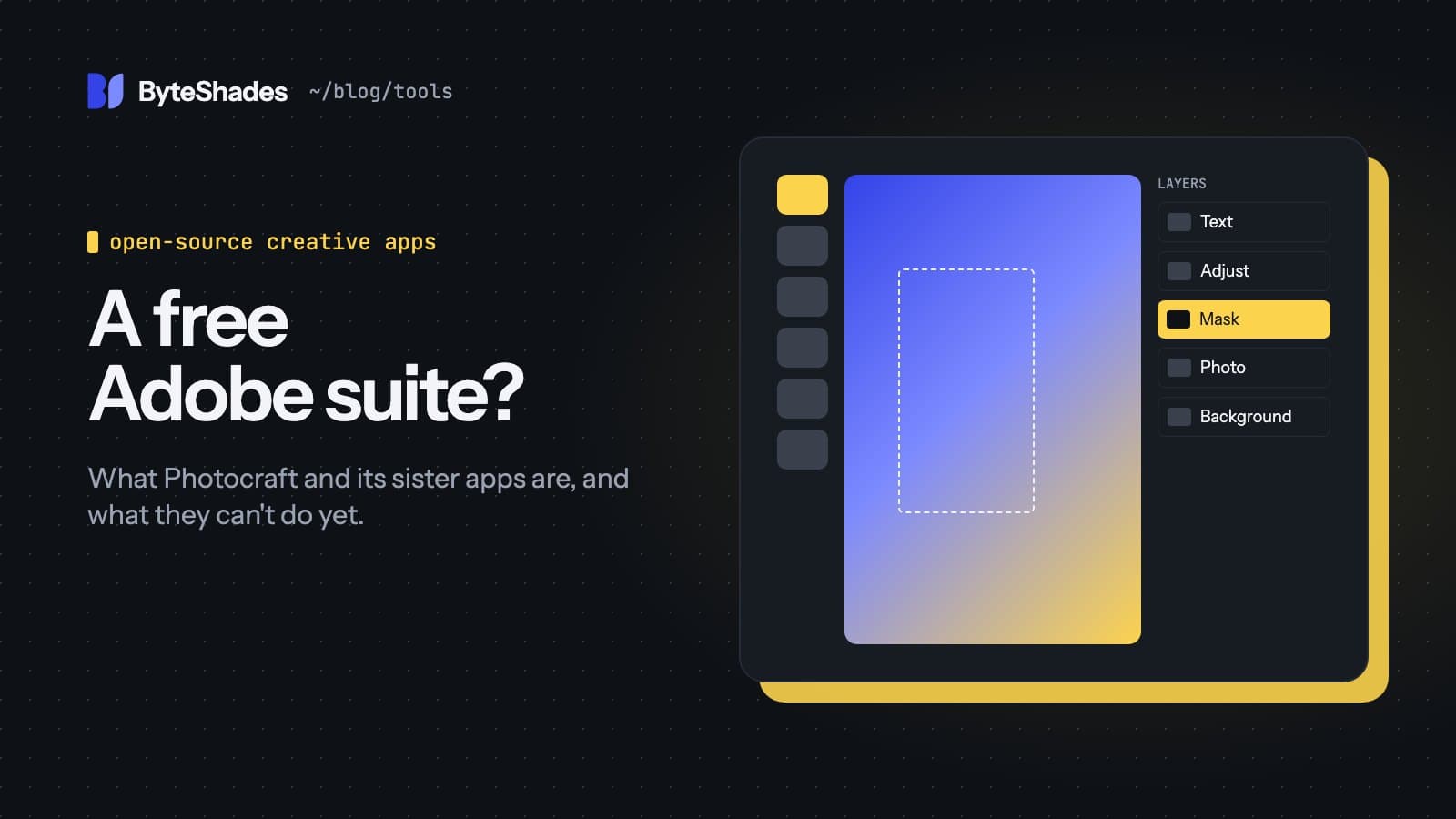
A claim went around this month that someone had open-sourced the entire Adobe suite. That is not what happened. No Adobe code was released. A company called ArtCraft built twelve new apps that look and work like well-known paid software, published them under open-source licences, and gave them away. The best known is PhotoCraft, a Photoshop look-alike that passed 49,000 GitHub stars in its first twelve days.
We read the source repositories, the roadmaps and the open issues to work out what you actually get. Star counts and versions below are from 12 October 2026, and they change daily.
What the Crafting Apps are
ArtCraft calls the set the Crafting Apps. Seven of the twelve imitate Adobe products; the rest copy Microsoft, Autodesk and Avid software.
| App | Modelled on | Version on 12 Oct | Runs in the browser |
|---|---|---|---|
| PhotoCraft | Photoshop | 0.7.0 | Yes |
| LightCraft | Lightroom | 0.6.0 | Yes |
| FilmCraft | Premiere Pro | 0.6.0 | No |
| EffectCraft | After Effects | 0.8.0 | Yes |
| VectorCraft | Illustrator | 0.9.0 | Yes |
| PdfCraft | Acrobat | 0.6.0 | Yes |
| DesignCraft | InDesign | 0.6.0 | Yes |
| WordCraft | Word | 0.5.0 | Yes |
| GridCraft | Excel | 0.5.0 | Yes |
| DeckCraft | PowerPoint | 0.5.0 | Yes |
| CADCraft | AutoCAD | 0.5.0 | Yes |
| SoundCraft | Pro Tools | 0.5.0 | Yes |
Desktop builds exist for macOS, Windows and Linux, and PhotoCraft also has FreeBSD builds and a self-hostable web version. An ArtCraft Launcher installs and updates all twelve.
Who makes it, and how it can be free
The lead developer is Brandon Thomas, founder of ArtCraft and of the earlier Storyteller.ai and FakeYou projects. His company has venture backing from Pebblebed.
Every app is dual-licensed MIT or Apache-2.0, both standard open-source licences, so you can use, change and redistribute the code, including commercially. Only the ArtCraft name and logos are reserved. The apps themselves are free. ArtCraft makes money from a separate AI image and video studio that sells credits, from $10 a month, so expect links to it.
Built by AI agents in two weeks
The apps are written in Rust, with a GPU renderer that uses Metal, Vulkan or DirectX depending on your system. They were built mostly by Claude Opus 5.5 coding agents. PhotoCraft's roadmap even estimates remaining work in "agent wall-clock hours", based on more than a thousand merged pull requests. Each README says the apps were written from public specifications and observed behaviour, with no proprietary code. That is the project's own claim; nobody has audited it independently.
Most commits come from Thomas and his agents, although outside contributors have joined, and he has offered them stipends and bug bounties.
How ready is it?
The roadmaps are unusually honest, and they are the best guide. PhotoCraft's own assessment, measured on version 0.6.0, is that it is "not yet a Photoshop replacement for daily professional work":
| PhotoCraft, self-assessed | |
|---|---|
| Feature breadth compared with Photoshop | about 76% |
| Ready for real work | about 45% |
| Tools implemented | 56 of 68 |
| Performance targets met | 3 of 25 |
The feature list is long for a two-week-old app: layers and masks, 16 kinds of adjustment layer, layer styles, type, a brush engine, smart objects, 8, 16 and 32-bit colour, CMYK and Lab, and colour management. Gizmodo's hands-on found it glitchy but real.
The biggest practical problem is exchanging files with people who use Adobe:
- PhotoCraft opens PSD files well, but Photoshop cannot yet reliably reopen PSD files that PhotoCraft saves. There are open issues for this.
- FilmCraft cannot open Premiere project files (
.prproj). You can bring a project across through FCP7 XML, AAF or OTIO. - EffectCraft cannot open After Effects projects, and VectorCraft does not write Illustrator's own
editing data into
.aifiles. - None of the apps run Adobe plug-ins or have Adobe's generative AI features.
Letting an AI agent drive it
This is the part that is new. Every action in these apps is a named command, more than 500 in PhotoCraft, and the same commands are available from the interface, a command-line tool and an MCP server. MCP is the standard way to give an AI assistant tools, so you can connect an app to Claude Code with one line:
claude mcp add vectorcraft -- vectorcraft-cli mcpThe assistant then edits documents through those commands instead of moving your mouse around the screen. You can also script batch jobs from the command line with no assistant at all.
The project has thought about safety. The desktop control channel listens only on your own machine and needs a long random token, and file access is limited to folders you grant. It lists two gaps itself: there are no per-tool permissions and no audit log of what an agent did. Grant an agent only the folders it needs, and keep originals backed up.
The other one: Compositor
A second Photoshop-style app went viral at the same time, and it is often mixed up with PhotoCraft. Compositor is a separate MIT-licensed app by Robbie Tilton, written in Swift for Macs only. It needs macOS 26 on Apple silicon and installs with Homebrew. Its trick for AI editing is simpler: a Compositor project is a folder of PNG layers plus a small manifest file, so any coding agent can edit the layers directly and the open canvas reloads live. It imports PSD files as 8-bit RGB only.
Should you switch?
For paid client work with deadlines, not yet. The apps are alpha software, PhotoCraft alone has hundreds of open issues, and swapping files with Adobe users is unreliable. If you do try them:
- download only from the GitHub releases or getartcraft.com and check the published SHA-256 checksums, because look-alike download sites appear quickly around popular free software;
- test your own real files before relying on them;
- keep your originals, and give AI agents access only to the folders they need.
They are well worth a look if you want a free editor today, want to script image or PDF work, or want to see how far AI-built software has come. If you need something stable now, the established open-source tools have years of history behind them:
| Instead of | Try | Licence |
|---|---|---|
| Photoshop | GIMP 3.2 or Krita | GPL |
| Illustrator | Inkscape 1.4 | GPL |
| Lightroom | darktable 5.6 | GPL |
| Premiere Pro | Kdenlive, Shotcut, or Blender's video editor | GPL |
They look less like Adobe's apps, which is the main thing the Crafting Apps get right.
Sources
- PhotoCraft on GitHub (README and downloads) github.com
- PhotoCraft roadmap and self-assessment github.com
- The Crafting Apps (ArtCraft) getartcraft.com
- FilmCraft status section github.com
- PhotoCraft automation security notes github.com
- Gizmodo hands-on gizmodo.com
- Compositor by Robbie Tilton github.com
- #photocraft
- #open-source
- #photoshop-alternative
- #adobe
- #design-tools
- #mcp
Written by Soumen Samanta · Co-Founder & CEO, ByteShades
Full-stack developer who builds web apps and APIs with React, Next.js, Node.js, PostgreSQL and AWS.
LinkedIn