How to stop AI-built websites looking the same
Why sites built by AI coding agents look alike, and the tools that help: Hallmark, Impeccable, the 21st.dev MCP, Archify for diagrams, and asking for variants.

Souvik Samanta · Co-Founder & CTO
Ask a coding agent for a landing page and you get something competent and familiar: a centred hero, a purple-to-blue gradient, three feature cards, the Inter typeface. Ask again for a different product and you get much the same page. People now recognise these sites at a glance, which works against you if the site is meant to say who you are.
The reason is simple. With no other instructions, a model produces the most likely page, and the most likely page is an average of thousands of similar ones. The fix is to give it something more specific to aim at, and to check its output against the defaults. A set of free tools now does both.
The tells to look for
Impeccable, one of the tools below, keeps a list of the patterns that make a page look machine-made. A few of them:
- Inter, or another neutral sans-serif, for everything;
- purple-to-blue gradients;
- cards nested inside other cards;
- grey text on coloured backgrounds.
None is wrong on its own. Together they read as "nobody decided anything".
Start with your own design rules
The most effective step needs no tool. Before asking for any page, give the agent your design decisions in a file it reads every time: colours, type, spacing, corner radius, and what you never use. When we built byteshades.com we mapped our brand kit's design tokens into the site's Tailwind setup first, then asked for pages. The agent then chooses within our system instead of inventing one.
Two of the tools below write this file for you if you do not have one: Impeccable's /impeccable init
creates a PRODUCT.md describing your audience and voice, and Hallmark can extract a design.md from a
site you admire.
The tools
| Tool | What it does | Licence | Cost |
|---|---|---|---|
| Hallmark | A design skill that builds, audits and redesigns pages, with anti-cliché checks | MIT | Free |
| Impeccable | A design skill with 24 commands, plus a rule-based checker that needs no AI | Apache-2.0 | Free |
| 21st MCP | Lets your agent search and use a library of 10,000+ React components | ISC | Code retrieval needs a paid plan |
| Archify | Turns a description or a codebase into an interactive diagram | MIT | Free |
Hallmark
Hallmark describes itself as an "anti-AI-slop design skill" for Claude Code, Cursor and Codex. It is published under Hassan El Mghari's GitHub account and credited to Together AI. When it builds a page it picks a layout structure and one of 21 themes, then checks the result against 57 tests for generic choices before showing it to you. It has four modes:
- build a page from a brief;
hallmark auditreturns a list of problems without changing anything;hallmark redesignkeeps your copy and brand but rebuilds the structure;hallmark studytakes a screenshot or URL and returns a "DNA card": its layout structure, type roles, colour and rhythm, which you can then build against.
The study mode copies structure, not pixels, and it refuses to clone paid templates. Install it with
npx skills add nutlope/hallmark, or copy its SKILL.md and references folder into
~/.claude/skills/hallmark/.
Impeccable
Impeccable, by Paul Bakaus, started from Anthropic's own frontend-design skill and grew into 24 commands,
such as /impeccable audit, critique, polish, typeset and layout. It works with most coding
agents, including Claude Code, Cursor, Codex, Gemini CLI and GitHub Copilot.
Its most useful part for a team is the checker: 59 rules that run without any AI model or API key.
npx impeccable detect src/Add --json and you can run it in CI, so a generic gradient fails the build like a lint error.
Its Live Mode, still in beta, lets you select an element in your browser, draw on it and add a comment, and the agent generates variants of that element. It works on a local development server only. Impeccable also has a browser extension, but that is a separate, detection-only tool: it flags anti-patterns in DevTools and sends nothing to an agent.
The installer adds a hook to Claude Code that runs on every UI edit. Read what it does before installing,
and run Live Mode only in projects you trust, because it can run scripts from your package.json.
The 21st MCP
21st.dev is a community library of React and Tailwind components, and its MCP server lets your agent search the library and pull components into your project. It was called Magic MCP until recently, and old Magic API keys were reset when it was renamed. Setup prints the configuration for your client:
npx @21st-dev/cli@latest init --client claudeIt works with MCP-capable coding tools such as Claude Code, Cursor, Codex and VS Code, and every setup needs an API key from 21st.dev. On the free plan the agent can search and see results, but fetching component code needs the Builder plan, from $6 a month billed yearly, and AI generation needs a higher plan with credits.
A component library speeds things up but works against the goal of this post if you take components unchanged. Treat them as starting points and restyle them with your own tokens.
Archify, for diagrams
Agents are poor at diagrams: ask for a flowchart and you often get twelve boxes in a line. Archify turns a plain-English description, or a whole codebase, into one self-contained interactive HTML file: architecture, workflow, sequence, data flow, lifecycle, or a before-and-after diagram for reviewing a pull request. You refine it in conversation, for example "move auth to the left".
Its README has the best advice on prompting for diagrams we have seen: ask for 8 to 12 core components
and one primary path, and put supporting detail in cards instead of adding more arrows. Install it with
npx skills add tt-a1i/archify -g. It checks for updates about once a day; set
ARCHIFY_UPDATE_CHECK_DISABLED=1 to stop that.
Ask for four versions, not one
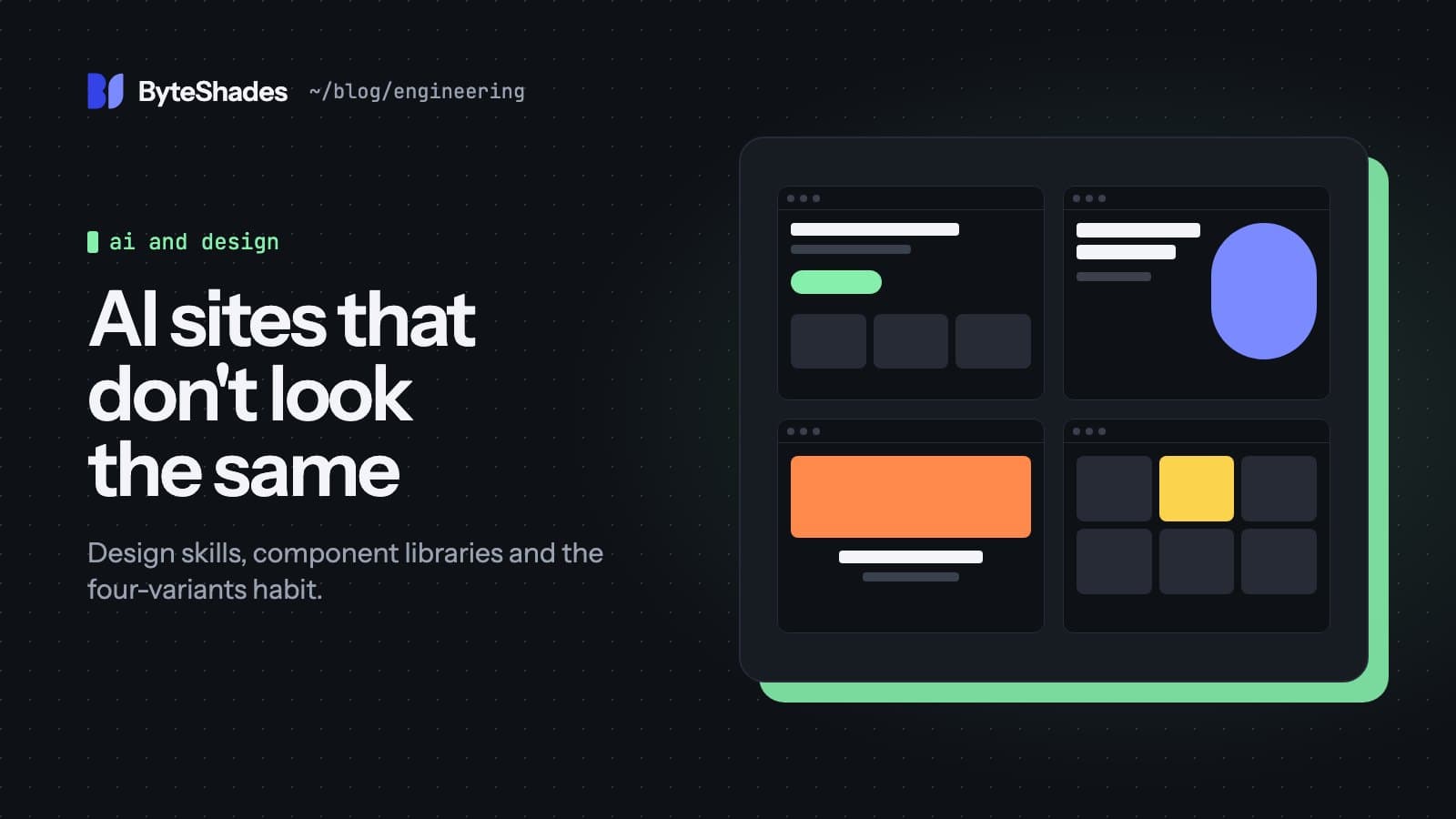
The cheapest technique costs nothing. Instead of one design, ask for four that differ from each other on purpose:
Give me four divergent directions for this page. Make each one take a different approach to layout, type and colour, then explain the idea behind each.
A model's first answer is its most likely one. Asking for several forces it away from that, and seeing them side by side shows you what you actually like. You will often take the layout from one and the type from another. Anthropic's frontend-design skill builds a version of this into its instructions: it tells Claude to check whether its plan reads like the generic default it would produce, and to change it if so.
A workflow that works
- Write down your design rules, or generate a first draft with
/impeccable initorhallmark study. - Ask for four divergent versions of the most important page.
- Combine the parts you like into one direction and record the decisions in your design file.
- Build the remaining pages against that file.
- Run
npx impeccable detectorhallmark auditbefore you ship, and in CI.
The tools catch the clichés. The decisions that make a site look like yours still have to come from you.
Sources
- Hallmark (GitHub) github.com
- Impeccable (GitHub) github.com
- Impeccable Live Mode docs impeccable.style
- 21st MCP (GitHub) github.com
- 21st.dev pricing 21st.dev
- Archify (GitHub) github.com
- Anthropic's frontend-design skill github.com
- #ai-coding
- #design
- #claude-code
- #frontend
- #agent-skills
- #mcp
Written by Souvik Samanta · Co-Founder & CTO, ByteShades
Software developer who builds LLM-powered web, Android and backend apps, with a background in NLP.
LinkedIn