Running Claude Code and Codex in parallel: tools and workflow
How to run several coding agents at once without collisions: git worktrees, Orca, herdr, the Codex plugin for Claude Code, OmniRoute, and the terms to check.

Souvik Samanta · Co-Founder & CTO
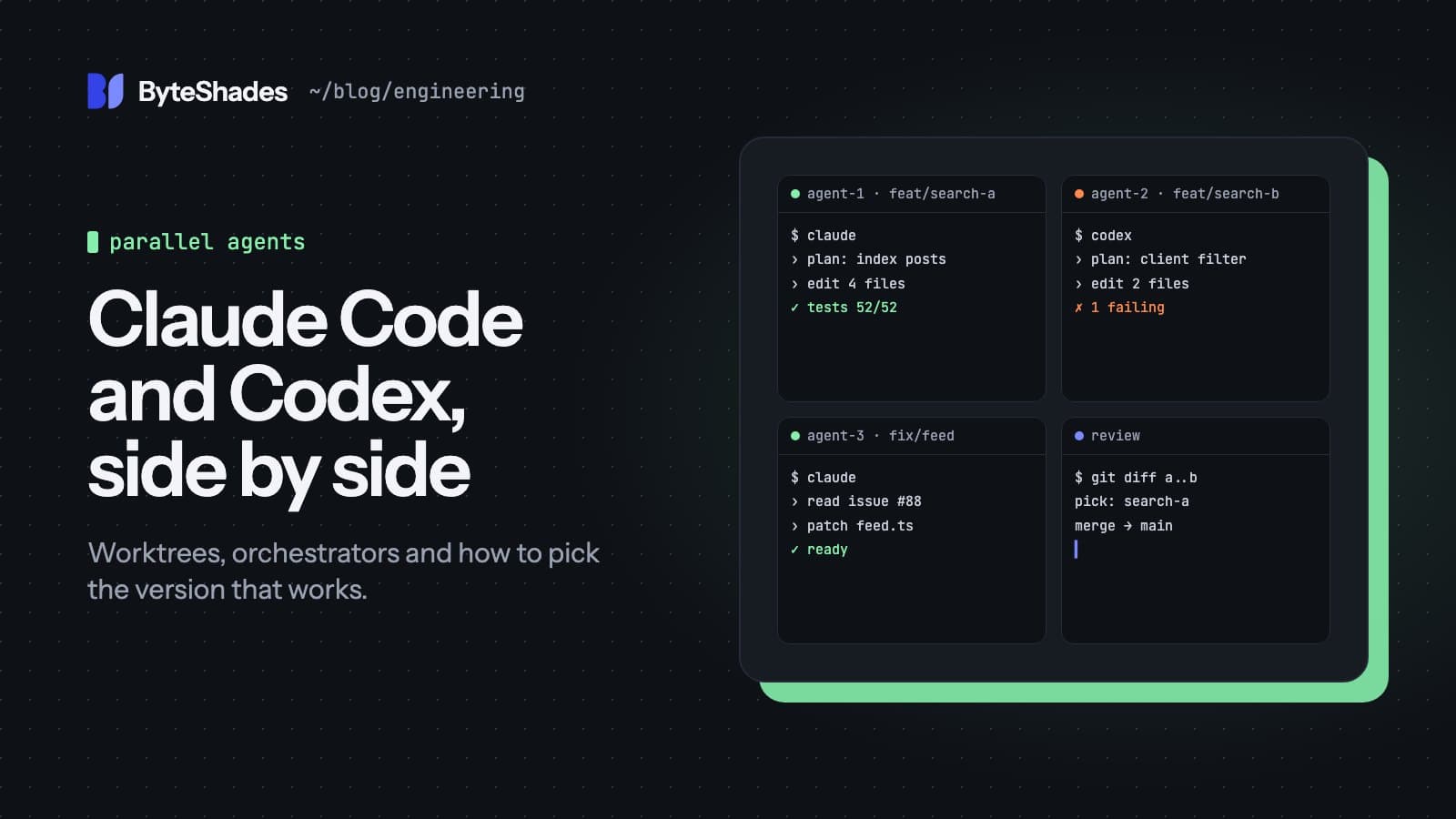
A coding agent spends a lot of its time working while you wait. Running several at once is the obvious next step: one fixes a bug while another builds a feature, or two agents attempt the same task and you keep the better result. Done carelessly, it produces agents overwriting each other's files and a branch nobody can untangle. This post covers the setup that prevents that, the tools that make it manageable, and the costs and terms to check first.
When parallel agents are worth it
Parallel agents help when the tasks are independent: separate features, separate bugs, or the same task attempted several ways so you can compare. They help much less when tasks touch the same files, or when you cannot review the output as fast as it arrives. Reviewing is the real limit. Three agents produce three diffs, and each one still needs a person to read it.
The foundation: one git worktree per agent
Two agents must never edit the same checkout. Git's worktree feature gives each one its own folder and branch, all sharing one repository:
git worktree add -b fix-feed ../site-fix-feed
git worktree add -b search-ui ../site-search-ui
git worktree list
Each folder is a full working copy on its own branch, and Git refuses to check out a branch that is
already in use by another worktree. When a task is done, merge its branch as usual and remove the folder
with git worktree remove.
Claude Code has this built in. Run each session with a name:
claude --worktree fix-feed
claude --worktree search-ui
Each creates .claude/worktrees/<name>/ on a new branch, and Claude Code blocks edits aimed at your main
checkout from inside it. A few details from the docs save time:
- add
.claude/worktrees/to your.gitignore; - a worktree is a fresh checkout, so install dependencies inside it;
- list files that are ignored by Git but needed to run, such as
.env, in a.worktreeincludefile and they are copied into each new worktree; claude --worktree <name> --resumetakes you back to a worktree you kept.
Tools for managing several agents
| Tool | What it is | Licence | Install |
|---|---|---|---|
| Orca | A desktop app for running agents side by side, each in its own worktree | MIT | Download, or brew install --cask stablyai/orca/orca |
| herdr | A terminal multiplexer built for agents | Apache-2.0 | brew install herdr |
| Codex plugin for Claude Code | Lets Claude Code hand work to Codex | Apache-2.0 | Claude Code plugin |
| OmniRoute | A local gateway that routes requests across 350+ AI providers | MIT | npm install -g omniroute |
Orca
Orca, from Stably, is a desktop app for macOS, Windows and Linux. You can send one prompt to several agents, each in its own worktree, and compare what they produce. Terminals, editor tabs and browser tabs are all scoped to a worktree, so you always know which agent you are looking at. It works with most command-line agents, including Claude Code, Codex, Cursor, GitHub Copilot and OpenCode, using your own subscriptions. It also has:
- a design mode: click an element in a real browser window to send its HTML, CSS and a screenshot to the agent;
- iOS and Android companion apps for checking on agents from your phone;
- simulator support for mobile apps, which remembers which simulator belongs to which worktree (you still build and install the app yourself).
Comparing results is a diff per worktree, and merging is ordinary Git or a pull request. Orca collects anonymous usage data, and its documentation explains how to opt out.
herdr
If you live in the terminal, herdr is a terminal multiplexer, like tmux, designed for agents. Each pane shows whether its agent is working, blocked or idle, and herdr notifies you when one needs input. You can detach and come back later without stopping anything, manage agents on several machines over SSH, and let agents control herdr themselves to open panes or message each other. It recognises Claude Code, Codex, Gemini CLI, Copilot CLI, Cursor's agent and many more.
herdr does not separate files by itself, so pair it with worktrees. Its quick install pipes a script from
the internet into your shell; brew install herdr is the safer route.
OpenAI's Codex plugin for Claude Code
The most practical way to use two models together may be this official plugin from OpenAI. It lets Claude Code call your local Codex installation for specific jobs, so you keep one conversation:
/plugin marketplace add openai/codex-plugin-cc
/plugin install codex@openai-codex
/codex:setup
The useful commands:
/codex:reviewasks Codex for a read-only review of your changes, for example againstmain;/codex:adversarial-reviewasks it to challenge the approach;/codex:rescuehands Codex a bug or a fix to attempt;/codex:transfermoves the whole session over to Codex.
A second model reviewing the first one's work catches mistakes the first is blind to, and it is a habit worth having even without parallel agents. You need a ChatGPT plan, the free one included, or an OpenAI API key, and usage counts against your Codex limits. Leave the optional "review gate" off unless you watch it: the plugin's own README warns it can start a long Claude and Codex loop that uses up limits quickly.
OmniRoute
OmniRoute is a gateway you run on your own machine. It gives every tool one OpenAI-compatible address and
routes requests to more than 350 providers. Its "combos" are chains of models that move to the next one
when a quota runs out, a provider fails or costs rise, so a long agent session does not stop when one
limit is hit. It can launch Claude Code, Codex, Aider, Goose and others through the gateway with
omniroute run.
Use it with API keys and plans that you own, and read the next section first.
Costs and terms
Running agents in parallel multiplies usage. Five agents on one task cost roughly five times as much as one, so save it for tasks where comparing approaches is worth that.
Pooling subscriptions is where people get into trouble. Anthropic's consumer terms say you may not share your account or make it available to anyone else, and the Claude Code legal page says third-party tools may not route requests through Free, Pro or Max plan credentials, and that plan limits assume ordinary, individual use. OpenAI's terms also forbid sharing account credentials. Some gateways document how to load several subscription logins and rotate between them; check those pages before doing it, because the providers can enforce their terms without notice. Using API keys, which are billed per use, avoids the question.
A setup we would start with
- Give each task its own worktree with
claude --worktree <name>. - Run at most two or three agents at once, on independent tasks.
- Watch them in Orca if you like a window, or herdr if you prefer the terminal.
- Before merging, ask a second model to review:
/codex:reviewfrom Claude Code works well. - Merge one branch at a time, run the tests, and remove finished worktrees.
Sources
- git worktree documentation git-scm.com
- Claude Code docs: worktrees code.claude.com
- Orca (GitHub) github.com
- herdr (GitHub) github.com
- Codex plugin for Claude Code (OpenAI, GitHub) github.com
- OmniRoute (GitHub) github.com
- Claude Code legal and compliance code.claude.com
- Anthropic consumer terms anthropic.com
- #claude-code
- #codex
- #ai-coding
- #git-worktree
- #developer-tools
Written by Souvik Samanta · Co-Founder & CTO, ByteShades
Software developer who builds LLM-powered web, Android and backend apps, with a background in NLP.
LinkedIn